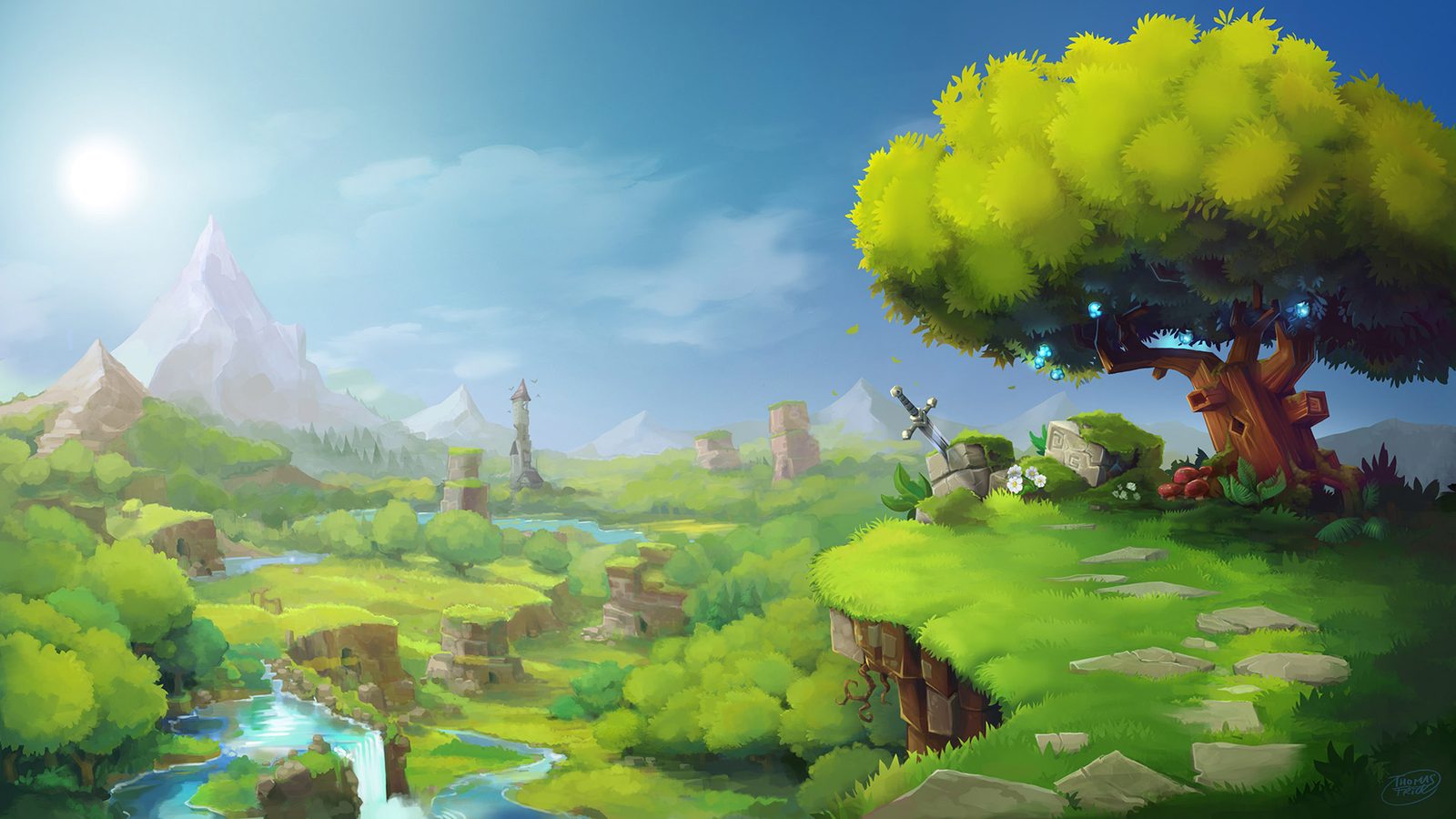
Village
A small group of friends exploring together.
RAM & CPU4 GB1.5 vCPU
NVMe disk20 GB
Playersup to 5
€8 /mo
or €21.60 every 3 months
Split 4 ways, €2 each
Choose Village
Available now
An always-on Hytale server that updates itself with every early-access patch. Your RAM is yours alone.
Free: no card and no end date; it switches off when nobody is on. Always on and with no queues, with a plan, keeping the same world.
First month at half price with the code WELCOME
€2 per GB of RAM, with no setup fee and no contract. The slots you see are real: when they run out we close, instead of cramming more in.
Not sure which one? Two questions
How many of you will play at once?
Any mods?
Village plan · 4 GB · €8 a month. For a small group, the 4 GB the official manual asks for.
Choose VillageIf you outgrow it, you move up a plan without reinstalling anything and only pay the difference.
A small group of friends exploring together.
RAM & CPU4 GB1.5 vCPU
NVMe disk20 GB
Playersup to 5
€8 /mo
or €21.60 every 3 months
Split 4 ways, €2 each
Available now
More people exploring at once, each going their own way.
RAM & CPU6 GB2 vCPU
NVMe disk30 GB
Players5–10
€12 /mo
or €32.40 every 3 months
Split 4 ways, €3 each
Available now
Communities, mods and lots of loaded world.
RAM & CPU8 GB2 vCPU
NVMe disk40 GB
Players10–20
€16 /mo
or €43.20 every 3 months
Split 4 ways, €4 each
Available now
Fast-core processors, which is what games notice most: Intel Xeon E-2274G (up to 4.9 GHz) or AMD Ryzen 9 5900X (up to 4.8 GHz), depending on the machine. The vCPU is the most your server can use (1 vCPU = one processor thread); the RAM, on top of that, is yours alone.
Yes: a free 4 GB Hytale server, no card and no end date, whenever there's room to spare (you need your Hytale account to link it). It uses the room nobody has paid for: you start it from the panel (if there's no room, you join the queue) and it switches itself off when nobody is on; if nobody plays for 14 days, it's deleted. If you want it always on with no queues, you move to a plan and it stays the same server.
The official manual asks for at least 4 GB, which is fine for a small group. What pushes it up most is the loaded world: view distance and players each exploring their own way. For 5–10 players, 6 GB; for communities or with mods, 8 GB.
Yes. The first time you start it, you link the server to your Hytale account: the panel shows you a link and a code, and it takes a minute. Every player needs their own account with the game.
Yes. Hytale is in early access and ships new versions often; the server checks every hour for a new one, downloads it and applies it as soon as nobody is online.
By adding the server in the game with the address and port shown in the panel.
Yes: the .jar or .zip files go into the server's «mods» folder from Files and load on restart.
More in our Hytale guides (in Spanish for now).
 Minecraft
 Project Zomboid
 Valheim
 Discord bots