MiniGood to start
A simple bot: commands, moderation, light music.
RAM & CPU512 MB0.5 vCPU
NVMe disk2.5 GB
Playersa small or medium bot
€1.50 /mo
or €4.05 every 3 months
Choose Mini
Available now
NapNodes / Games / Discord bots
Node.js or Python, with your own code or straight from GitHub. Stop running the bot on your own computer: here it never switches off.
Free: no card, online around the clock; you renew it every 7 days with one click. More memory and no renewing, with a plan.
First month at half price with the code WELCOME
A fixed price per size, with no setup fee and no contract. The slots you see are real: when they run out we close, instead of cramming more in.
Not sure which one? Two questions
What is your bot like?
Mini plan · 512 MB · €1.50 a month. A commands-and-moderation bot has plenty with 512 MB (and the free 256 MB one works for it too).
Choose MiniIf you outgrow it, you move up a plan without reinstalling anything and only pay the difference.
A simple bot: commands, moderation, light music.
RAM & CPU512 MB0.5 vCPU
NVMe disk2.5 GB
Playersa small or medium bot
€1.50 /mo
or €4.05 every 3 months
Available now
Big bots, in lots of servers or playing music.
RAM & CPU1 GB1 vCPU
NVMe disk5 GB
Playersa big bot or several small ones
€2.50 /mo
or €6.75 every 3 months
Available now
Fast-core processors, which is what games notice most: Intel Xeon E-2274G (up to 4.9 GHz) or AMD Ryzen 9 5900X (up to 4.8 GHz), depending on the machine. The vCPU is the most your server can use (1 vCPU = one processor thread); the RAM, on top of that, is yours alone.
Yes: a free 256 MB bot, no card, online 24 hours a day. You renew it once a week with one click in the panel (so no abandoned bot takes up room) and it uses the room nobody has paid for. If you want more memory and to stop renewing, plans start at €1.50 a month.
Node.js (discord.js) or Python (discord.py, nextcord, py-cord…). In the panel you choose the version: Node.js 24, 22 or 20, or Python 3.13, 3.12 or 3.11.
By uploading the files under Files in the panel, or by putting your GitHub repository address under Startup: it downloads itself and, if you want, updates on every restart. Dependencies from package.json or requirements.txt install themselves.
In your code, for example in a .env file your bot reads at startup. Never put it in a public repository.
A commands-and-moderation bot runs fine on 256–512 MB. With lots of servers, a big cache or music, 1 GB.
More in our Discord bots guides (in Spanish for now).
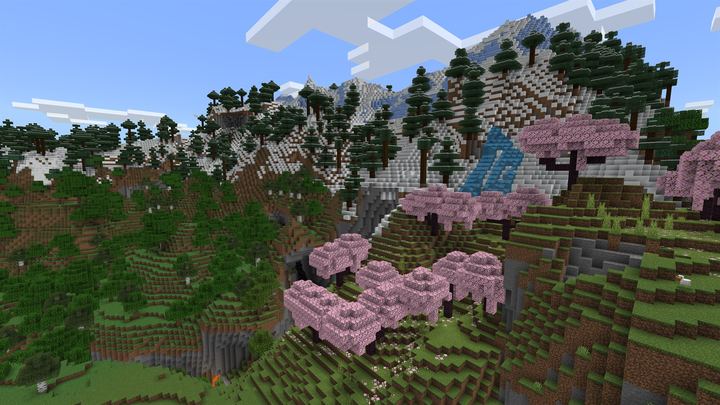 MinecraftPaper or Purpur, plugins and modpacks.from €6 a month
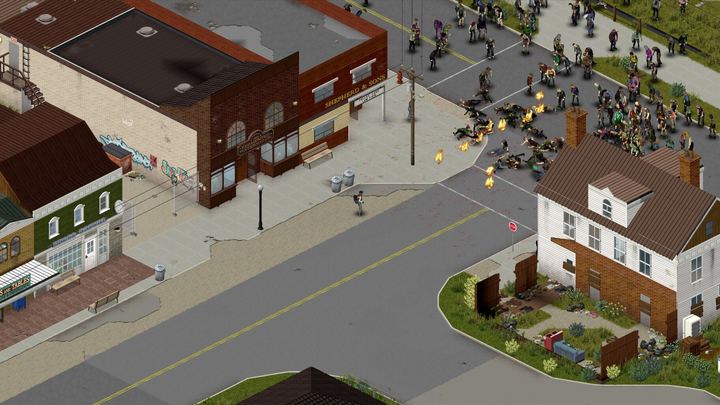 Project ZomboidA Project Zomboid server that is always on.from €12 a month
 ValheimThe host no longer has to be online for everyone else to play.from €8 a month
 HytaleAn always-on Hytale server that updates itself with every early-access patch.from €8 a month